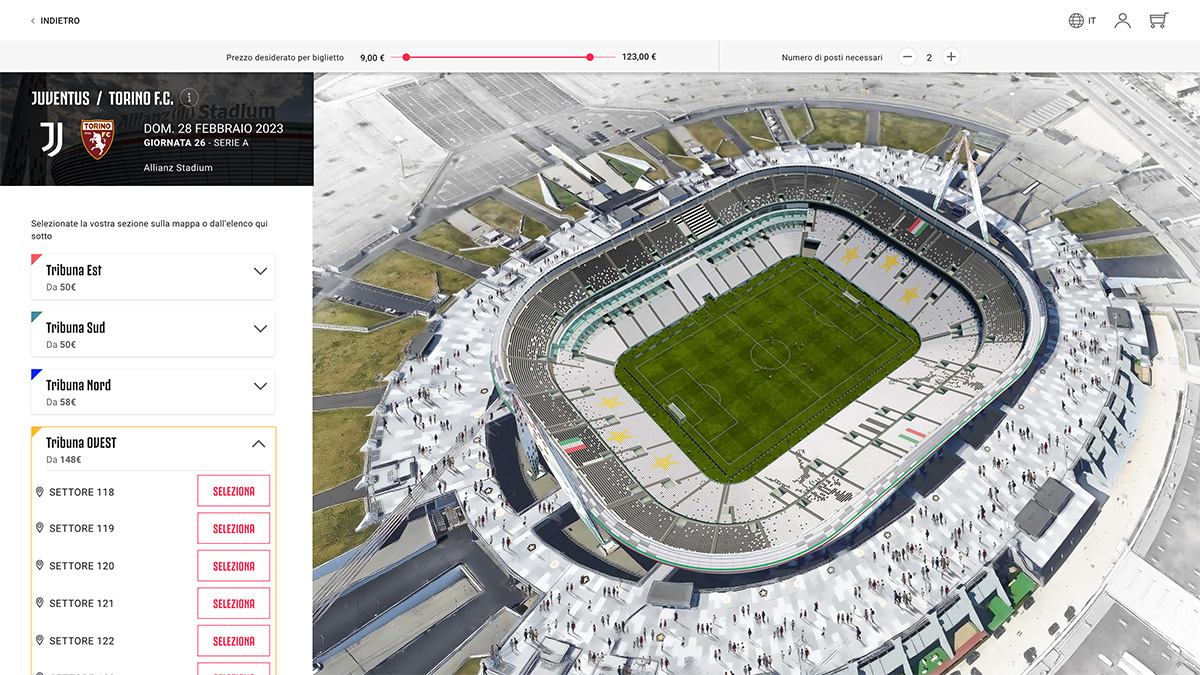
Designing a modular and brand-driven ticketing platform
Context
Platinum Group operates large-scale ticketing solutions for international sporting events and premium experiences (MotoGP, football clubs, VIP hospitality).
The existing platform lacked flexibility:
- Visual customization was limited
- Layouts were not adapted to different event typologies
- Content management required technical intervention
- Branding consistency was difficult to maintain across events
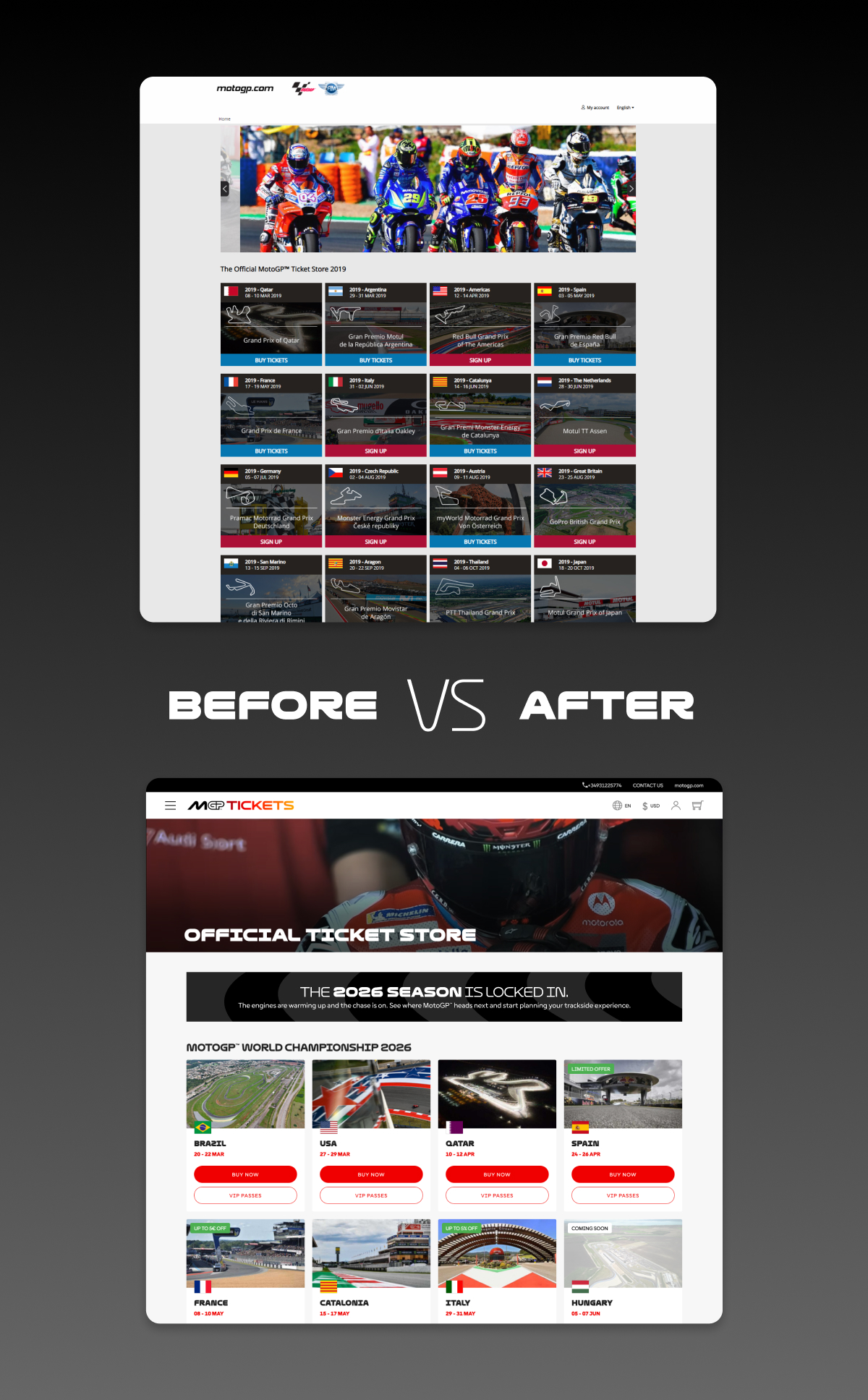
The goal of Ticketshop V7 was to design a new-generation ticketing platform capable of adapting to multiple clients and event formats, while preserving a smooth and reliable purchasing experience.
Problem Statement
How might we design a ticketing system that:
- Adapts visually to very different brand identities
- Supports multiple event formats (calendar, racing, seating, VIP…)
- Remains simple to configure for back-office users
- Preserves UX consistency and conversion performance
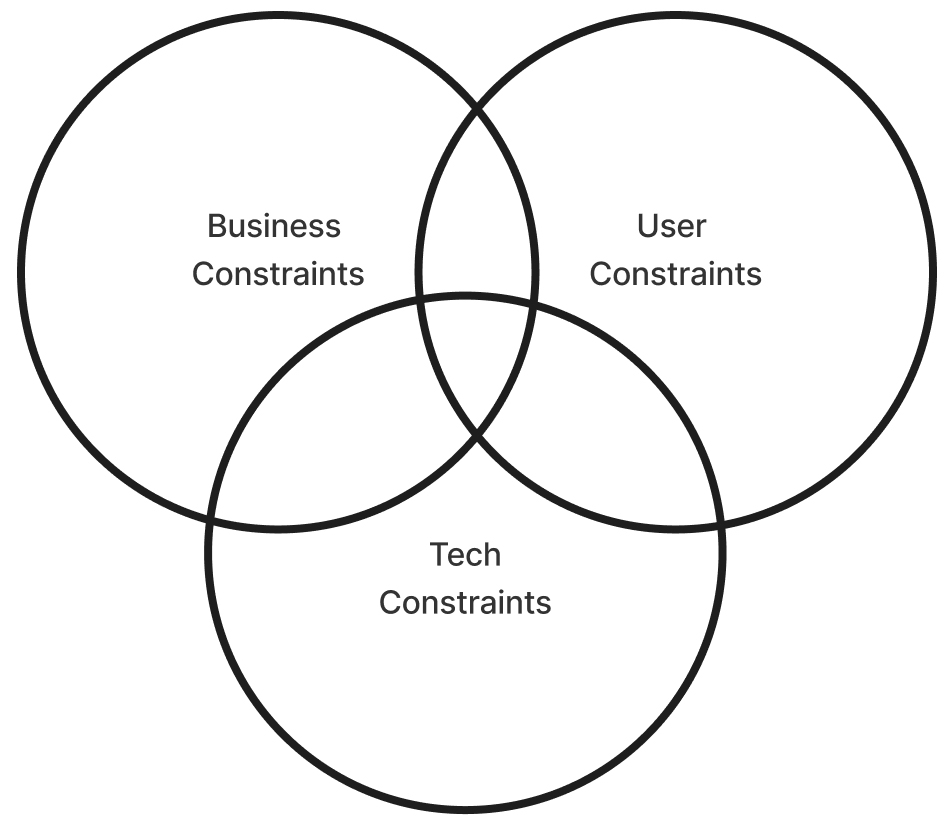
This required balancing:
flexibility vs. control,
customization vs. usability,
business needs vs. user needs.
My Role
I led the UX and UI design of Ticketshop V7, collaborating with:
- Head of Product & Product owners
- Developers
- QA teams
My responsibilities included:
- UX strategy and product vision
- Interface and interaction design
- Design system creation
- QA validation and delivery follow-up
Research & Discovery
To define the right architecture, I worked from:
- Existing platform constraints
- Client branding requirements
- User journeys from event discovery to checkout
- Developer feedback on feasability & maintainability
Key insights:
- Event types require very different content structures
- Clients want autonomy without breaking layouts
- Visual identity is a key business differentiator
- Purchase flow must remain extremely simple
Design Strategy
I structured the solution around three principles:
1. Template-Based UX
Instead of one generic layout, I designed five dedicated templates:
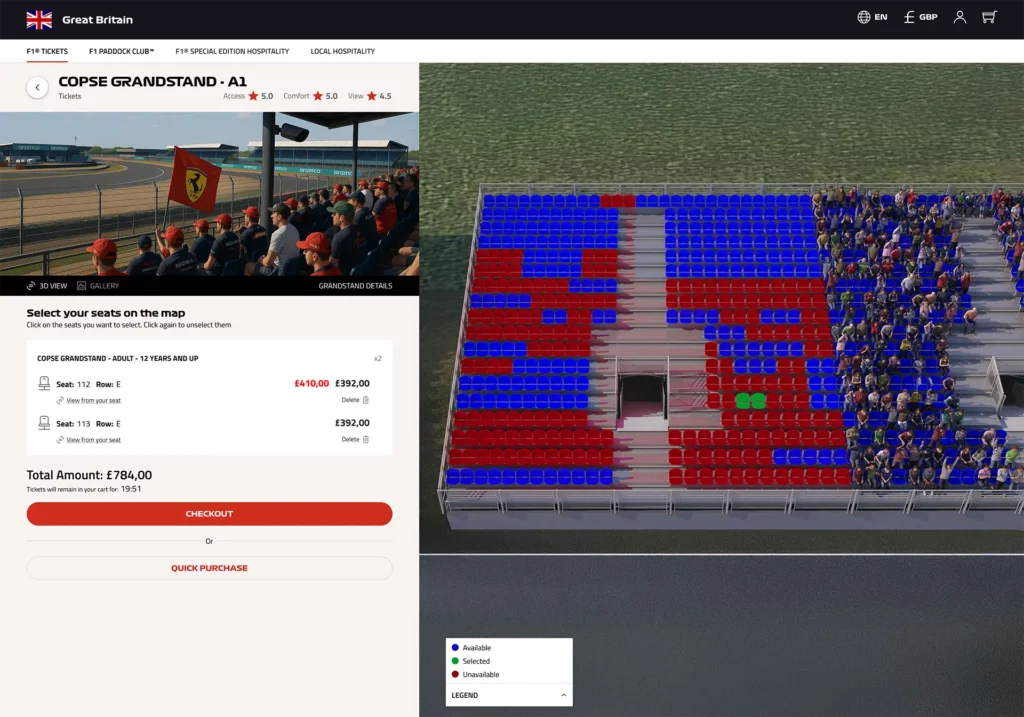
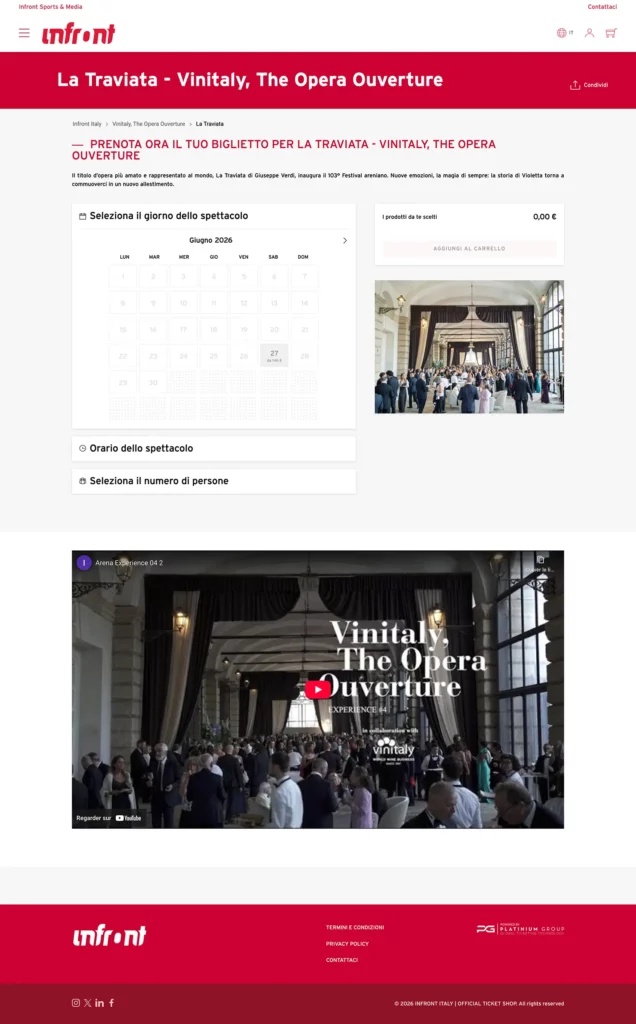
- Calendar view
- Racing event layout
- 2D seating
- 3D seating
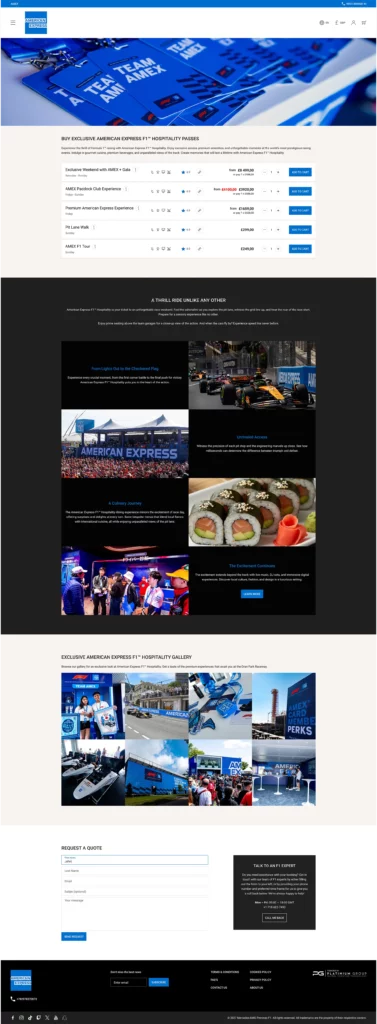
- VIP layout
Each template addresses a specific user mental model and navigation logic.
2. Modular Content Blocks
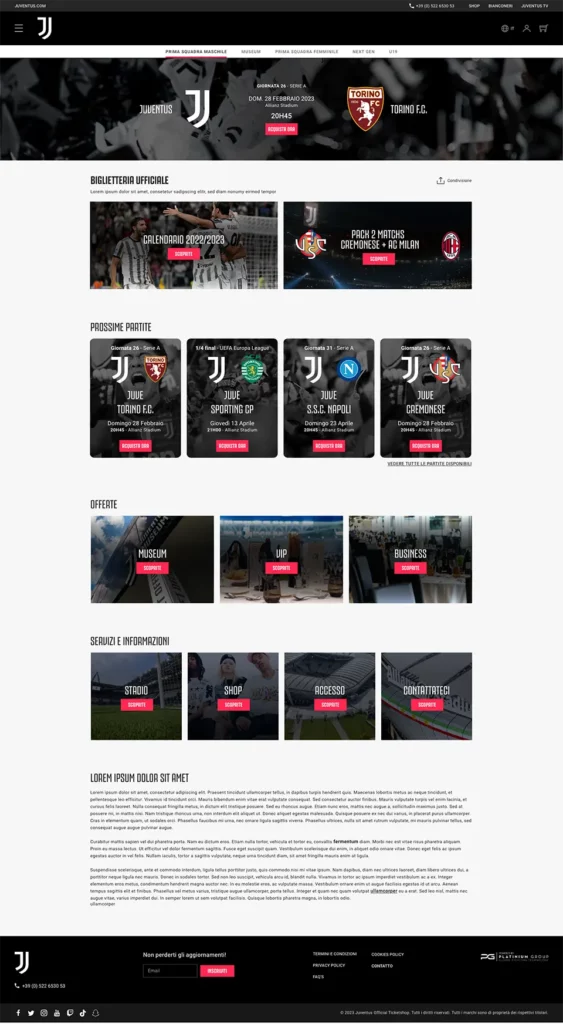
To avoid rigid pages, I introduced 11 modular content blocks:
- Text
- Images
- Sliders
- Video
- Maps
- Informational sections
This allows rich storytelling for events, Controlled flexibility & No custom development per client
3. Brand-Driven Customization
I designed a Styling Module allowing:
- Color and font customization
- Logo integration
- Global visual rules
The challenge was to let brands express themselves without breaking usability or accessibility.
UX & UI Design
I produced:
- Responsive layouts
- High-fidelity UI designs
Design priorities:
- Clear hierarchy
- Strong call-to-action visibility
- Reduced cognitive load
- Consistent interaction patterns across templates
Design System
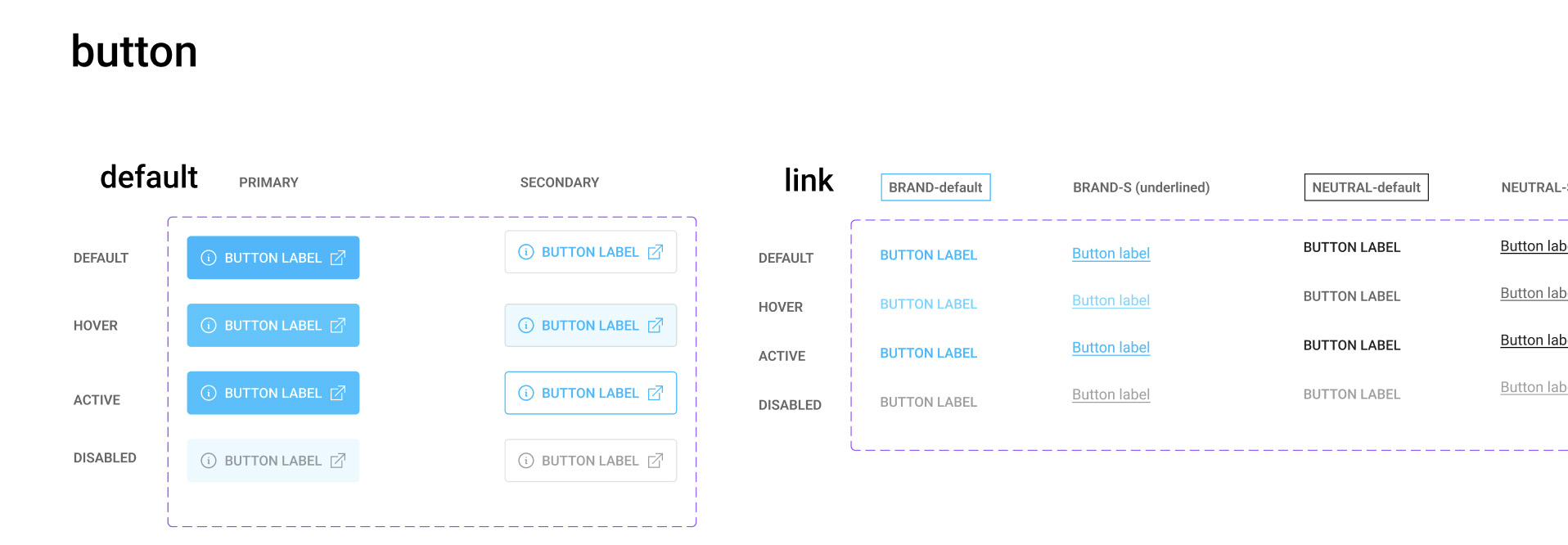
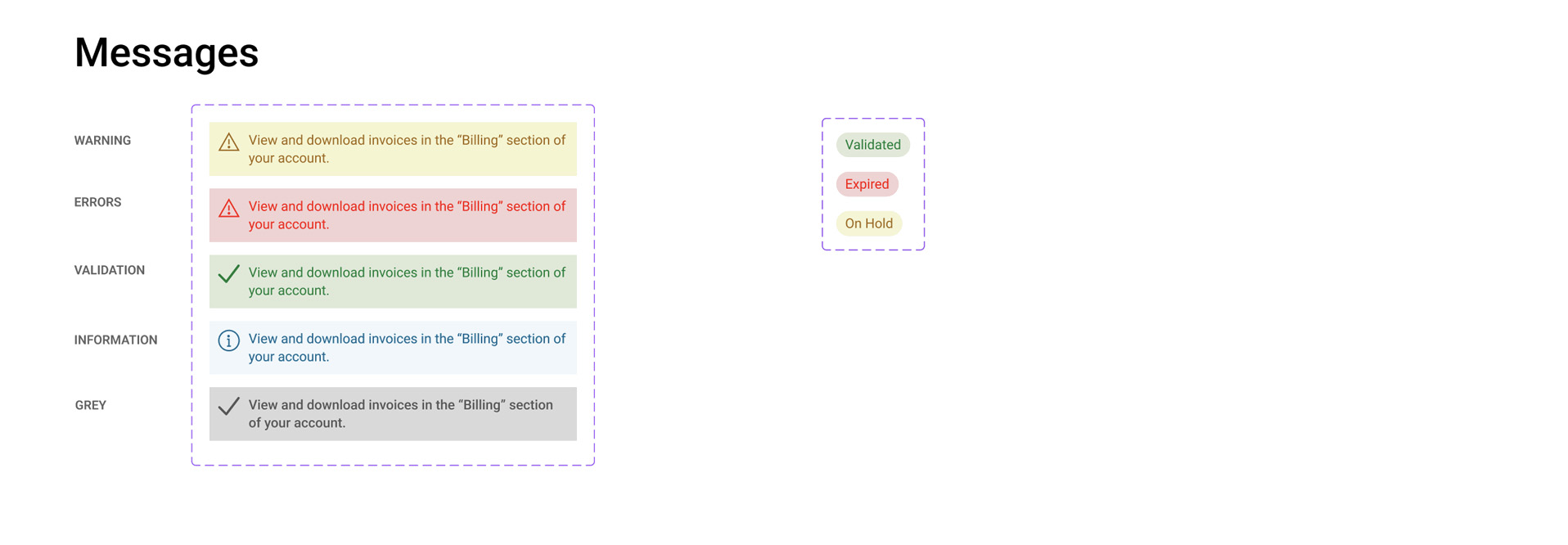
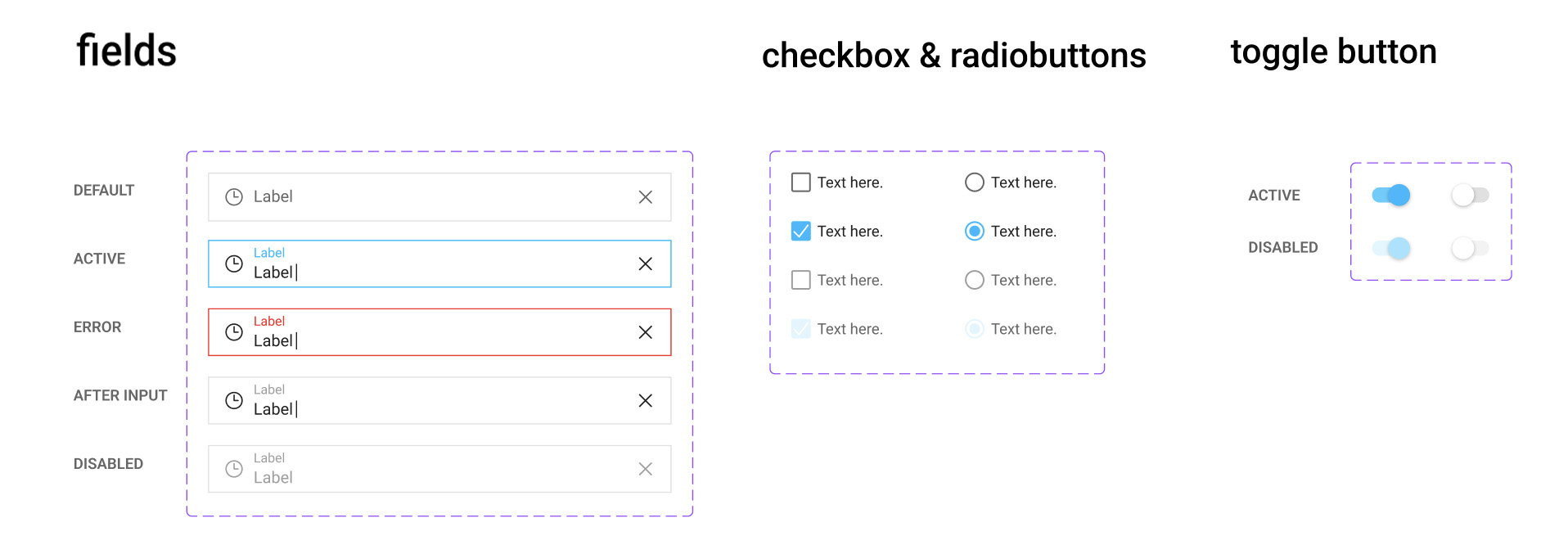
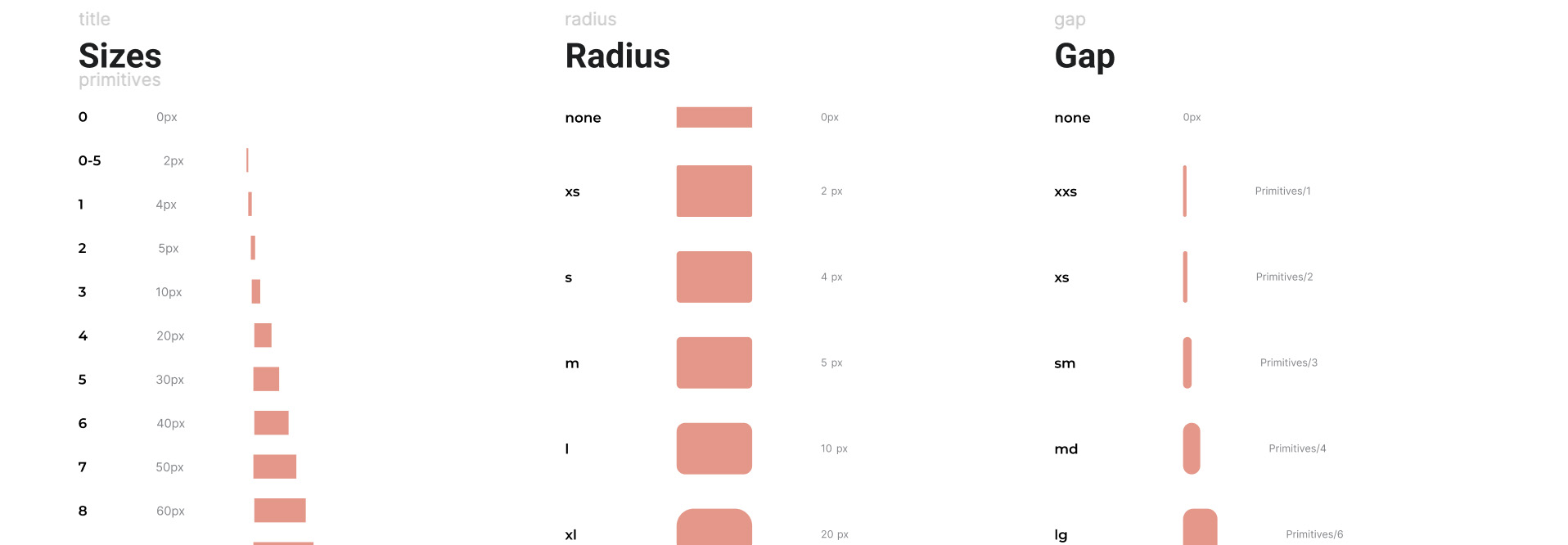
To ensure scalability, I created a modular design system:
- Neutral base palette (white, light grey, black)
- Primary color logic with opacity-based interaction states
- Reusable components shared across templates
- Typographic hierarchy adaptable to brand fonts
This system enables:
- Fast theming
- Visual consistency
- Lower maintenance cost
Validation & QA
Before delivery, I:
- Conducted cross-device testing
- Validated responsive behavior
- Reported and tracked issues via Jira
- Iterated with developers until UI consistency was achieved
This phase ensured the system worked in real production contexts.
Results
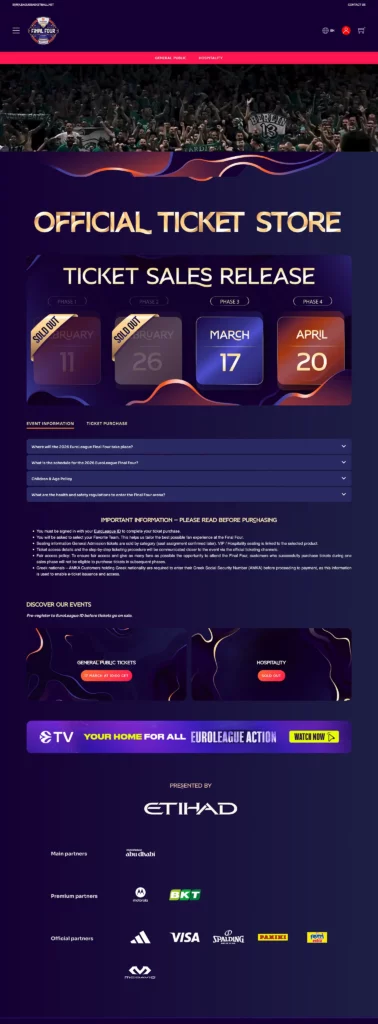
Ticketshop V7 is now used across multiple international clients.
Main outcomes:
- Strong adaptability to different branding styles
- Improved visual consistency across events
- Better content readability
- More efficient configuration for internal teams
- Increased conversion rates (thanks to clearer layouts and flows)
What This Project Demonstrates
This project highlights my ability to:
- Design complex configurable systems
- Balance business constraints with user experience
- Build scalable design systems
- Work closely with product and engineering
- Deliver production-ready UX